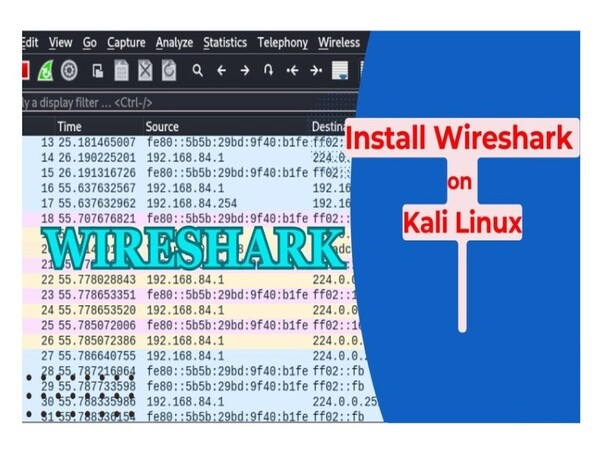
Wireshark is the most popular open-source network analysis software, widely used by system administrators, security professionals, and IT students. This article explains what Wireshark is, how it works, its key features, and provides a detailed installation guide.
2019Trusted since
B2BData solutions
Data·AIExpertise
Need data solutions for your business?
AlgoData has helped businesses with data engineering, analytics & AI since 2019.
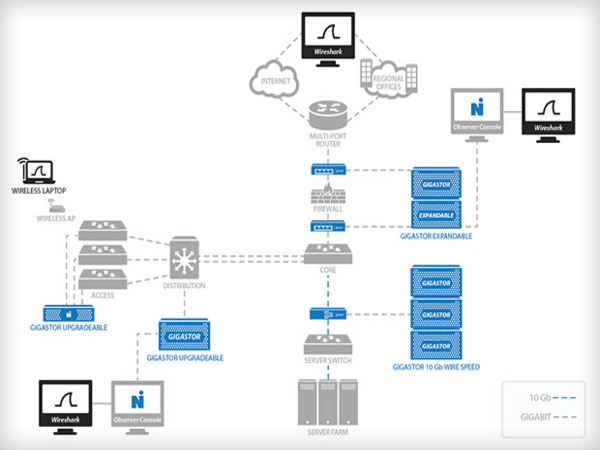
Wireshark is an open-source software designed for analyzing and monitoring network traffic. First developed in 1998, Wireshark allows users to capture and inspect data packets transmitted across a network in real time.
The software supports hundreds of network protocols (TCP, UDP, HTTP, DNS, SSL/TLS...) and displays data in layered format following the OSI model. Wireshark runs on Windows, macOS, and Linux, making it suitable for network administrators, cybersecurity experts, software developers, and students.
How Wireshark Works
Wireshark operates through three main phases:
Packet Capture: When launched, users select a network interface (Wi-Fi, Ethernet, Bluetooth). Wireshark starts "listening" and recording every data packet passing through that interface, including source address, destination address, protocol, and data content.
Packet Analysis: Wireshark analyzes each packet from the data link layer to the application layer in the OSI model. It identifies detailed data structures and checks for errors or anomalies in protocols.
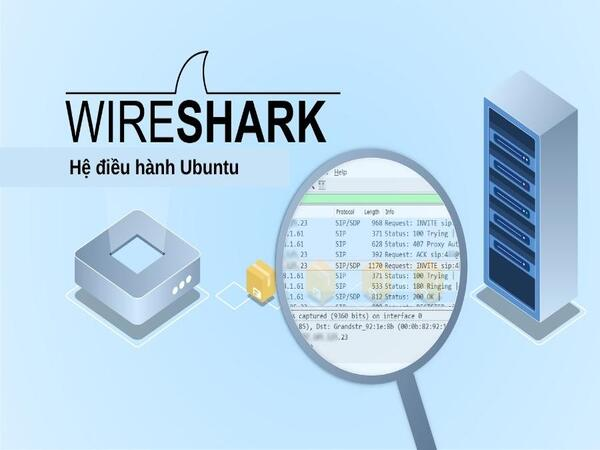
Data Presentation: Packets are displayed chronologically through a graphical interface, organized into columns: sequence number, time, source/destination address, protocol, length, and detailed information.
Notable Features
Real-time Capture: Continuously records packets from the selected network interface for instant monitoring.
Multi-protocol Analysis: Supports hundreds of protocols from TCP, UDP, IP to HTTP, FTP, DNS, SSL/TLS, and specialized protocols.
Powerful Filters: Display Filters allow searching packets by IP, protocol, port, or specific keywords.
Multiple File Formats: Supports pcap, pcapng, and formats from other network analysis tools.
SSL/TLS Decryption: Decrypts encrypted data when the appropriate key is available, useful for HTTPS analysis.
Charts and Statistics: Protocol charts and time-based traffic graphs help detect abnormal trends.
Color Coding: Distinguishes different packet types with customizable colors.
Network Troubleshooting: Identify the cause of connection loss, slow speeds, packet loss, or configuration errors. Wireshark records the data flow and pinpoints which layer the error occurs at.
Network Traffic Monitoring: Track traffic by protocol, IP address, or device to manage resources and optimize performance.
Security Analysis: Detect DoS attacks, malware, Man-in-the-Middle attacks, suspicious connections, or unauthorized access attempts.
Application Optimization: Test how applications interact with the network, detect congestion or transmission errors in video, gaming, or streaming applications.
Pros and Cons of Wireshark
Criteria
Pros
Cons
Cost
Free, open-source
—
Platform
Windows, macOS, Linux
—
Protocols
Supports hundreds of protocols
Difficult to analyze encrypted data
Interface
Intuitive, clear layering
Complex for beginners
Performance
Real-time analysis
CPU/RAM intensive with high traffic
Security
Threat detection
Requires root/admin access
Legal
—
Privacy violation risks
Legal Warning
Only use Wireshark on your own network or with explicit permission. Monitoring others' network traffic without consent may violate privacy laws in many countries.
Installing Wireshark on Windows
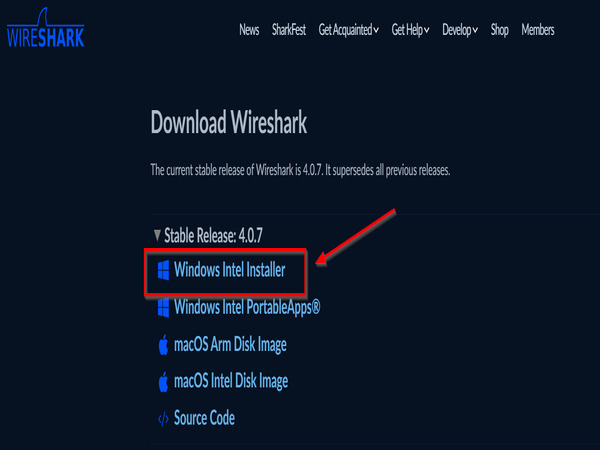
Visit wireshark.org and click Download.
Select the appropriate version (64-bit or 32-bit) and download the .exe file.
Run the installer: Next → I Agree → keep default Select Components.
Install Npcap when prompted (packet capture library).
Click Install and wait for completion. Click Finish to exit.
Installing Wireshark on macOS
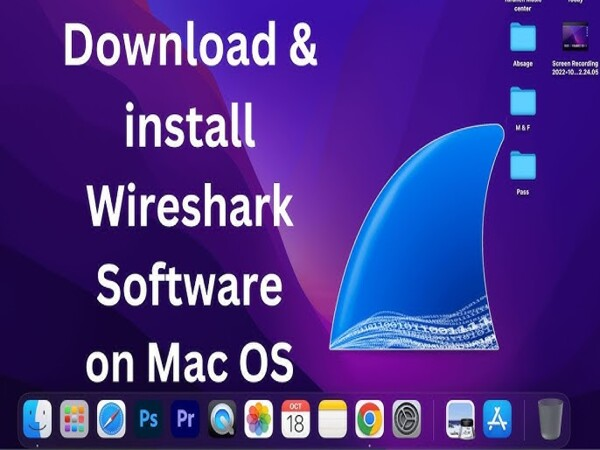
Visit wireshark.org and download the .dmg file for macOS.
Open the .dmg file and drag the Wireshark icon to the Applications folder.
On first launch, go to System Preferences → Security & Privacy → Open Anyway if warned.
Grant network traffic access when prompted, enter your admin password.
Select Capture → choose a network interface to start analyzing.
Restart your machine and open Wireshark from Terminal or the application menu.
Wireshark Performance Tip
Use Capture Filters before starting packet capture to reduce the amount of collected data. For example: host 192.168.1.1 captures only packets to/from a specific IP, saving system resources.
Basic Usage Guide
Capture Packets: Select a network interface (Ethernet/Wi-Fi) → click Start. Wireshark displays packets in real time. Click Stop to end.
Save and Open Files: Select File → Save As to save as .pcap or .pcapng. Reopen with File → Open.
Filter Packets: Enter filters in the Display Filter bar:
text
1ip.addr == 192.168.1.1        # Filter by IP
2tcp.port == 443                # Filter by port
3http                           # Show HTTP only
4dns                            # Show DNS only
5tcp.flags.syn == 1             # Filter SYN packets
Inspect Packets: Double-click a packet to view details by layer: Ethernet → IP → TCP/UDP → Application Data.
Customize Colors: Go to View → Coloring Rules to distinguish packet types with color coding.
Conclusion:Wireshark is a powerful, free, open-source network analysis tool with multi-platform support. While the interface can be complex for beginners, Wireshark is an essential tool for network administrators and security professionals.
Wireshark is an open-source software used to analyze and monitor network traffic, allowing users to capture and inspect data packets transmitted across a network in real time.
QIs Wireshark free?
Yes, Wireshark is completely free and open-source, available for Windows, macOS, and Linux. You can download it from wireshark.org.
QWhat is Wireshark used for?
Wireshark is used for network troubleshooting, traffic monitoring, security analysis, detecting network attacks, and testing and optimizing network applications.
QWhat protocols does Wireshark support?
Wireshark supports hundreds of network protocols including TCP, UDP, HTTP, DNS, FTP, SSL/TLS, ICMP, ARP, DHCP, and many other specialized protocols.
QIs it legal to use Wireshark?
Wireshark is legal when used on your own network or with permission. Monitoring others' network traffic without consent may violate privacy laws.